When buyers specify metal tags for safety inspection records, the real issue is not whether the tag can be printed once. It is whether the tag can still be read after repeated handling, moisture, oil, heat, cleaning, and field notes. In industrial asset management, the tag has to support the inspection workflow, not interrupt it.
For projects that need a practical starting point, our industrial metal tag solution options page shows the tag types, materials, and customization paths that fit inspection-heavy environments. At UC Tag, we usually help buyers narrow the choice by checking the marking method, punch layout, attachment style, and the data fields that must survive the worksite, not just the initial install.
What Punchable Metal Tags Are and Why They Matter for Safety Inspections
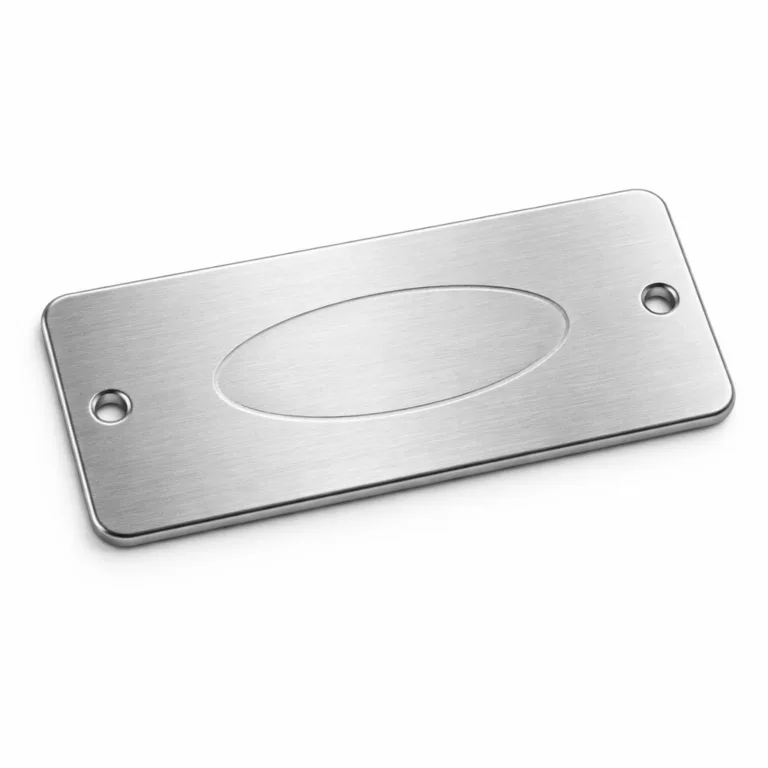
Punchable metal tags are built with a clear field area that can take date punches, status marks, inspector codes, or service interval updates. The point is to give maintenance teams a fast way to record an inspection result on the asset itself without covering the permanent identification. In practice, that small design choice saves time and reduces confusion in the field.
For safety inspection programs, the tag is part of the record. If the asset ID, inspection history, and status mark all stay tied to the same piece of equipment, the team can review the condition with less guesswork. If the tag is too small, the surface is too soft, or the layout is crowded, the system becomes harder to trust.
| Tag Type | What It Does Well | Where It Can Fail | Best Use |
|---|---|---|---|
| Punchable metal tag | Supports visible updates and repeated inspection marks | Needs a planned layout and clear punch area | Asset rounds, recurring checks, status tracking |
| Plain printed label | Low cost and fast to apply | Can fade, peel, or become unreadable | Short-term indoor labeling |
| Serialized metal tag | Helps connect the asset to a record system | Requires numbering control and data discipline | Compliance and traceability workflows |
How Punchable Metal Tags Support Inspection Records, Compliance, and Traceability
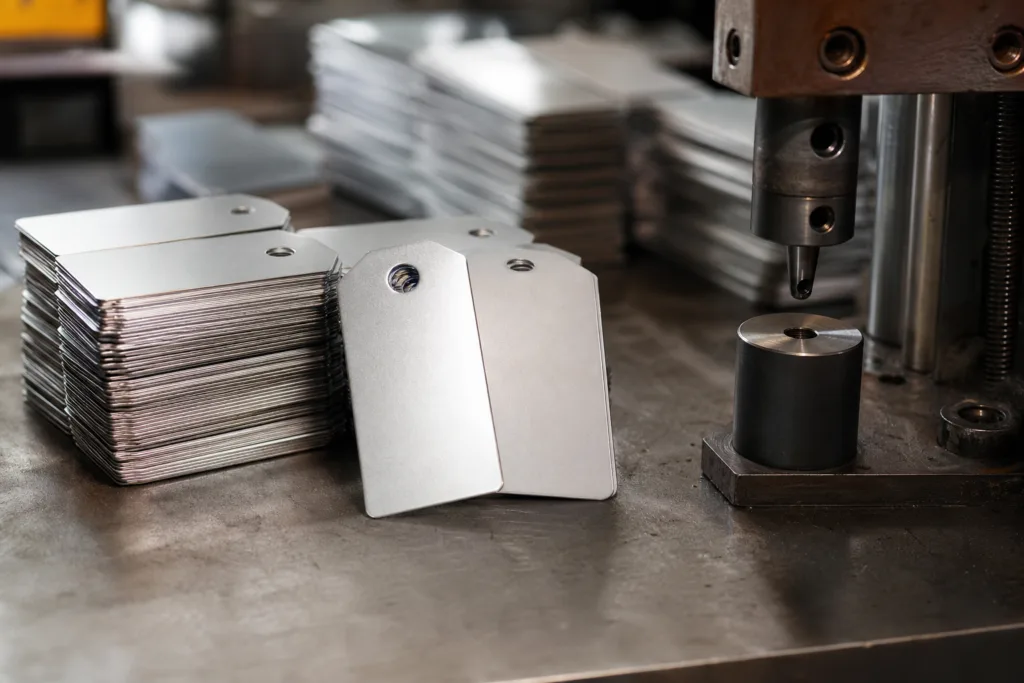
In a good inspection system, the tag does more than identify equipment. It links the physical asset to a log, a due date, and a decision. That is why we recommend designing the tag and the recordkeeping process together. If the field team uses the tag one way and the database uses another, the value of the tag drops quickly.
OSHA’s inspection requirements, records, and traceable asset identification help show why durable identification matters for lifting gear and other controlled assets. If the identifier is damaged or missing, the record trail becomes harder to trust.
For programs that also depend on maintenance isolation and controlled servicing, the same logic applies to tagging, maintenance controls, and safety procedure identification. The goal is not only to mark an asset once, but to keep the mark legible through the full inspection cycle.
- Inspection record: The tag carries the field status that the technician needs immediately.
- Compliance support: The tag helps show that the asset was checked on schedule.
- Traceability: The serial or asset number stays tied to the inspection history.
- Decision support: A clear status mark helps the next person know whether the asset can stay in service.
Common Industrial Use Cases for Inspection Tags
We see punchable metal tags used on machine safety checks, lifting gear inspection, valve rounds, electrical asset reviews, fire and emergency equipment, and facility maintenance routes. The tag format changes a little by use case, but the logic stays the same: quick identification, visible status, and a place to record the next step.
- Equipment checks: Useful when the same asset is inspected on a fixed schedule.
- Machine safety: Helps maintenance teams show that guards, covers, or controls were reviewed.
- Lifting gear: Needs durable identification that stays readable during heavy handling.
- Valves and process assets: Supports asset rounds where location and status must be clear.
- Electrical equipment: Works well when serial numbers and inspection dates must stay visible.
- Facility rounds: Makes walk-through checks faster and more consistent.
Choosing the Right Material for Safety Inspection Records
If the tag will stay indoors and the main concern is readable inspection marks, aluminum often gives a practical balance of weight, cost, and print quality. Stainless steel is usually better when the tag sees moisture, washdown, or rough handling. Brass may fit certain premium or legacy applications, while anodized aluminum offers color contrast and clean readability for serialized field data.
The most useful choice is not the strongest-sounding material. It is the one that matches the actual environment, the marking method, and the attachment method. That is why buyers comparing finishes and service conditions often start with choosing metal tags for industrial environments before they finalize the drawing.
| Material | Strengths | Watchouts | Typical Fit |
|---|---|---|---|
| Aluminum | Lightweight, easy to mark, cost-friendly | Can dent or wear faster in harsh contact | Indoor assets, controlled environments |
| Stainless steel | Strong, corrosion resistant, durable | Higher cost, harder to process in some formats | Outdoor, washdown, marine, chemical exposure |
| Brass | Good appearance, stable for many applications | Not the right fit for every corrosive environment | Legacy equipment, specialty identification |
| Anodized aluminum | Strong color contrast, good readability | Surface finish must match the marking method | Serialized tags, equipment IDs, asset control |
Marking Options for Inspection Tags
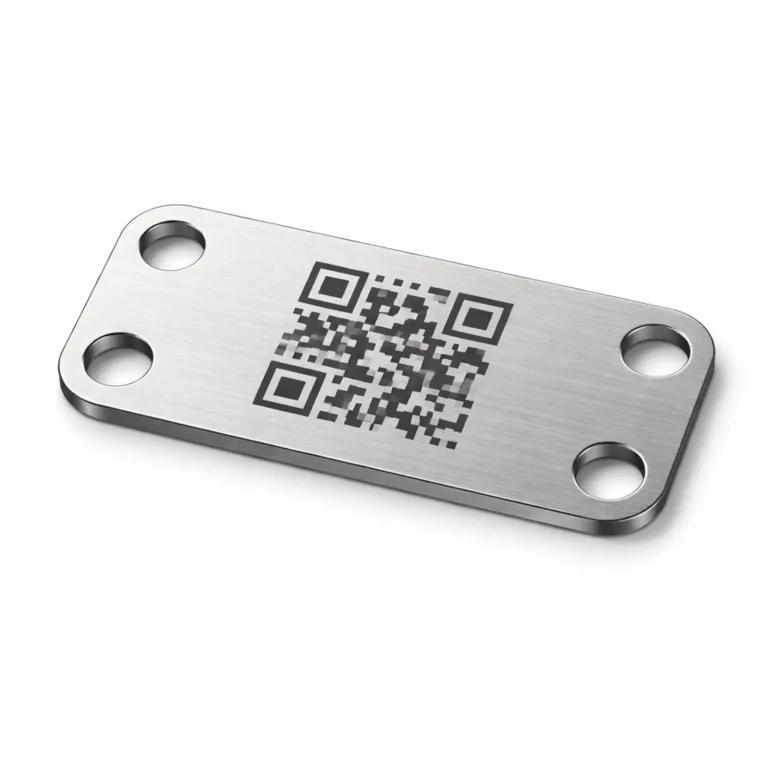
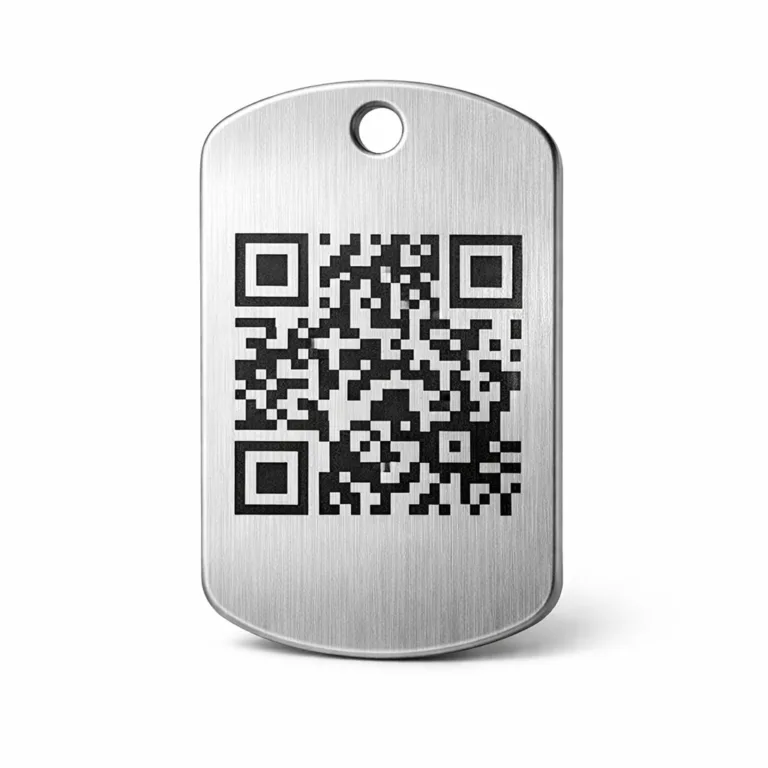
The marking method has to match the field process. Engraving and laser marking are useful when the tag must remain legible after abrasion. Chemical etching can work well for corrosion-resistant identification, while stamping gives a raised or impressed character that inspectors can feel as well as see. If the project needs variable data, we also look at how serial numbers, asset codes, and QR or barcode fields will be handled from the start.
The key is to avoid mixing a high-detail design with a marking process that cannot hold the detail after service exposure. If the tag will be touched, wiped, or cleaned often, the mark needs enough depth or contrast to survive that routine.
- Engraving: Good for permanent data and strong legibility.
- Etching: Useful when the surface finish and corrosion resistance matter.
- Stamping: Works well for simple status marks and durable character changes.
- Laser marking: Best when the design needs fine detail or serial variation.
Punch Design and Field Layout
Punch design is where the tag either becomes easy to use or starts causing field errors. A good layout reserves space for the permanent asset ID, then leaves a separate area for date punches, inspector initials, service status, or other repeated updates. If the punch field is too close to the edge or too small for the required updates, the tag becomes harder to read after a few cycles.
For recurring safety inspection work, we usually recommend thinking in layers. The top layer is permanent identity. The middle layer is the inspection mark. The bottom layer is the record system that matches the physical tag to the database. When those layers are aligned, the tag becomes a tool instead of a burden.
| Field | Purpose | Layout Note |
|---|---|---|
| Asset ID | Identifies the equipment | Keep it separate from the punch area |
| Inspection date | Shows the most recent check | Use a clear punching zone with enough spacing |
| Inspector code | Shows who completed the task | Short codes reduce clutter |
| Status mark | Shows pass, hold, repair, or remove from service | Use a simple, repeatable symbol system |
| Next due date | Supports scheduling | Leave room for update cycles |
Durability Considerations in Real Industrial Conditions
Inspection tags often fail for simple reasons: they are exposed to the wrong environment, the wrong attachment method, or the wrong marking depth. Heat can soften some finishes, chemicals can dull contrast, and repeated contact can wear away shallow marks. Outdoor exposure adds UV, rain, salt air, and temperature swings into the mix.
When buyers need a tag for severe service, we usually start by checking the actual exposure profile first. If the equipment sees elevated heat, it helps to review high-heat durable metal tag materials before deciding on the substrate and mark type. A tag that works in a clean indoor plant may not survive a hot or corrosive area without the right material and finish.
Durability factors to confirm early:
- Heat range and cleaning method
- Outdoor or indoor exposure
- Oil, coolant, or chemical contact
- Mechanical wear from handling or vibration
- Readability after months of service, not just after installation
Attachment Methods for Safety Inspection Tags
Attachment affects the life of the tag as much as the material does. Hole punching is common because it keeps the tag mechanically fixed and easy to inspect. Wire, chain, rivets, screws, and adhesive backing all have a place, but each one creates a different trade-off between speed, permanence, and serviceability.
If the asset is routinely cleaned or vibrates in service, an attachment that looks convenient on paper may fail in practice. The buyer should confirm the mounting surface, available space, access for tools, and whether the tag must be removed and replaced during maintenance.
| Attachment Method | Strength | Constraint | Common Use |
|---|---|---|---|
| Hole and wire | Flexible and quick | Can loosen if not secured well | Equipment rounds, portable assets |
| Rivets | Strong and stable | Permanent or semi-permanent installation | Panels, machines, fixed assets |
| Screws | Easy to replace | Needs surface access and thread planning | Maintenance tags, equipment frames |
| Adhesive backing | Fast application | Surface prep must be good | Smooth indoor surfaces, secondary labels |
How to Build a Reliable Tagging System for Inspection Records
A reliable system starts with one clear rule: every asset should have one identity path from the tag to the record. That means the tag number, inspection form, and maintenance log should all use the same logic. At UC Tag, we usually begin with the data flow first, then shape the tag around the way the buyer actually uses the records in the field.
For programs that include safety isolation or controlled maintenance, the importance of durable identification is reinforced by tagging, maintenance controls, and safety procedure identification. If the tag cannot be read at the moment of work, the process slows down and the control point weakens.
- Assign one asset ID format and keep it consistent.
- Decide who writes the inspection mark and when.
- Define what each status symbol means.
- Set the next inspection interval before the tag goes to production.
- Match the physical tag number to the digital record before bulk release.
Recommended Information to Include on Each Tag
The best inspection tag is usually the one that carries just enough information to be useful in the field without becoming crowded. Too many fields reduce readability; too few fields make the tag less useful when the asset is checked in a hurry. We normally recommend prioritizing the information that the technician needs immediately and pushing the rest into the record system.
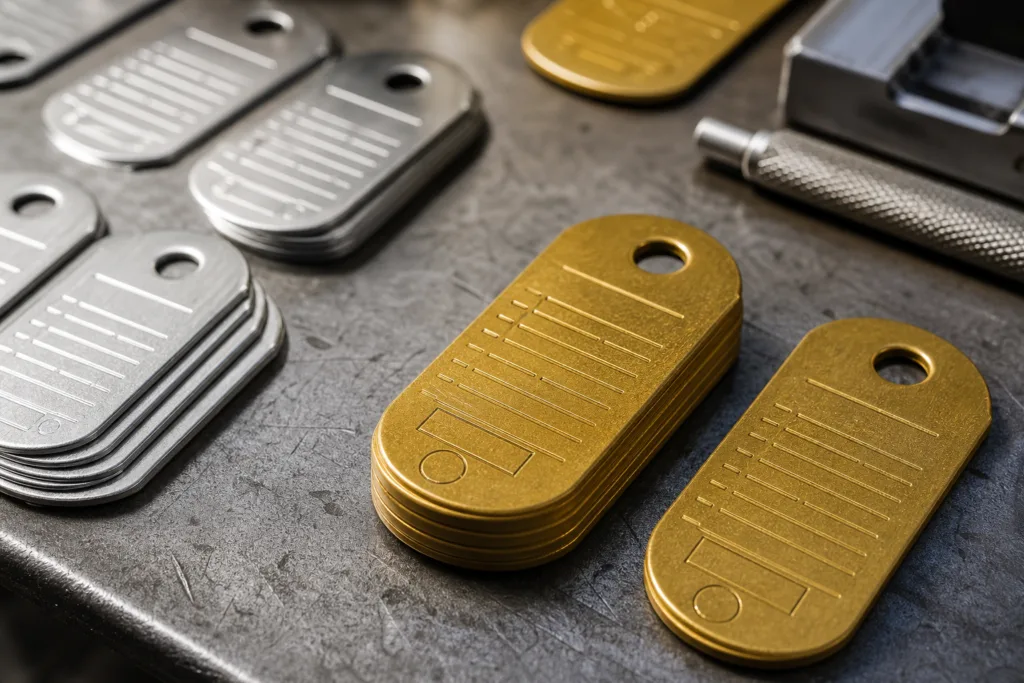
| Data Field | Why It Matters | Practical Note |
|---|---|---|
| Asset ID | Primary reference for the equipment | Must be unique and consistent |
| Inspection date | Shows the last completed check | Leave room for recurring updates |
| Next due date | Supports scheduling and follow-up | Use a format that the team already knows |
| Inspector | Shows accountability | Use initials, code, or short ID |
| Location | Helps find the asset quickly | Keep it simple and fixed |
| Status | Communicates pass, hold, or remove | Use a clear code system |
| QR code or barcode | Connects the tag to a digital record | Confirm scan quality after marking and mounting |
Data Management Workflow: Tag Numbering, Record Matching, and Manual-to-Digital Traceability
Many inspection programs still begin on paper, then move into spreadsheets or asset software later. That is normal. The problem appears when the tag data and the record data do not match exactly. One extra space, a repeated number, or a missing leading zero can break the chain.
That is why we recommend assigning the numbering plan before production starts. If the project needs barcodes or QR codes, the print or mark quality should be checked against the system that will scan it. Our article on barcoded equipment tracking plates is useful when the buyer wants the physical tag to connect cleanly with an asset database, not just carry a number.
- Step 1: Lock the numbering format.
- Step 2: Confirm the field order on the artwork.
- Step 3: Verify serial ranges before production.
- Step 4: Check a sample scan or punch result.
- Step 5: Match the shipment list to the master record before dispatch.
Industry-Specific Implementation Examples
Different industries use the same tag idea in different ways. The tag may look similar, but the workflow behind it changes. That is why a one-size-fits-all layout rarely works well for long.
Manufacturing: Tags often support machine safety checks, asset rounds, and maintenance scheduling. A simple status field and serial number are usually enough if the plant already has a clear numbering system.
Utilities: Tags may face weather, vibration, and frequent field visits. Material choice and attachment strength matter more here because the asset may sit outdoors for years.
Construction: Equipment moves often, so the tag should be easy to read at a distance and hard to lose during handling.
Marine: Salt, moisture, and cleaning cycles push the buyer toward corrosion resistance and a durable mark method.
Maintenance services: The tag must help technicians work quickly across many sites, which means the layout needs to stay simple and repeatable.
Sampling, Artwork Approval, and Bulk Production Planning
Before bulk production, we strongly recommend a physical sample or at least a controlled proof of the final layout. The sample is where the buyer checks punch size, hole position, edge quality, mark visibility, and attachment fit. It is also the right moment to catch a data problem, because a numbering mistake on one sample is easy to fix, while the same mistake in a large run is not.
At UC Tag, we usually ask buyers to confirm the final artwork, the field layout, and the sample path before the full order is released. That step matters even more when the project includes private label packaging, mixed serial data, or multiple asset groups in one order.
- Confirm the drawing revision before sampling.
- Check whether the punch field leaves enough room for repeated use.
- Approve the finish under the lighting conditions used in the plant or field.
- Verify packaging labels if the tags will be sorted by site, department, or asset group.
- Make sure the sample matches the attachment hardware that will be used in production.
Quality Control Checks for Punchable Metal Tags
Quality control should look beyond appearance. A tag can look fine on the bench and still fail in the field if the mark depth is weak, the hole placement is off, or the surface finish hides the data. We usually check the tag in the same order the buyer will use it: first identity, then readability, then fit, then durability.
- Dimensional check: Confirm size, thickness, and hole placement.
- Marking check: Verify the text, numbering, and punch field alignment.
- Surface check: Look for burrs, scratches, or inconsistent finish.
- Fit check: Confirm the tag works with the selected wire, screw, rivet, or adhesive method.
- Data check: Match the serialized list against the order sheet.
Common Mistakes to Avoid When Implementing Safety Inspection Tag Systems
The most common mistakes are usually not dramatic. They are small planning errors that create field problems later. A tag may be too small for the required data. The punch area may be placed where the asset crew cannot see it easily. The barcode may be too dense for the scanner or the finish may reduce contrast.
Another common issue is choosing the tag material based on purchase price alone. That can lead to a tag that looks acceptable at delivery but does not survive the service environment. It is usually cheaper to choose the right substrate once than to reissue tags later.
- Do not crowd too many fields onto one face.
- Do not assume a low-cost label will survive a harsh site.
- Do not skip sample approval when the tag carries inspection data.
- Do not separate the physical tag numbering from the record system.
- Do not ignore the mounting surface when choosing attachment hardware.
Cost Drivers, MOQ, and Lead Time Considerations
For purchasing teams, cost is not only the unit price. The real cost includes artwork setup, marking method, material choice, punching complexity, packaging, and whether the data is static or serialized. A simple tag in one material may be fast to produce. A serialized tag with multiple fields and a special attachment hole pattern will usually take more planning.
| Cost Driver | Why It Changes Price | Buyer Tip |
|---|---|---|
| Material | Different metals have different process costs | Match the material to the environment first |
| Marking method | Engraving, etching, and laser work differently | Choose the method that survives the service life |
| Data complexity | Variable fields and serialization need control | Send clean data early |
| Attachment design | Extra holes or custom mounting adds work | Confirm hardware before final approval |
| Packaging | Sorting and private label packs take time | Define the packing format up front |
MOQ and lead time are usually tied to how much customization is involved. A buyer who wants a standard size with simple numbering will generally move faster than a buyer who needs mixed sizes, multiple materials, and site-sorted packing. The best way to protect lead time is to finalize the artwork and data file early.
Best Practices Checklist for Procurement and Maintenance Teams
- Define the asset naming system before ordering.
- Choose a material that fits the real exposure conditions.
- Keep the punch area separate from the permanent ID.
- Confirm attachment hardware and mounting surface.
- Approve a sample before bulk production.
- Check barcode or QR performance if digital tracking is required.
- Make sure the maintenance team understands the status codes.
- Store the tag data and inspection record in one matching system.
Conclusion
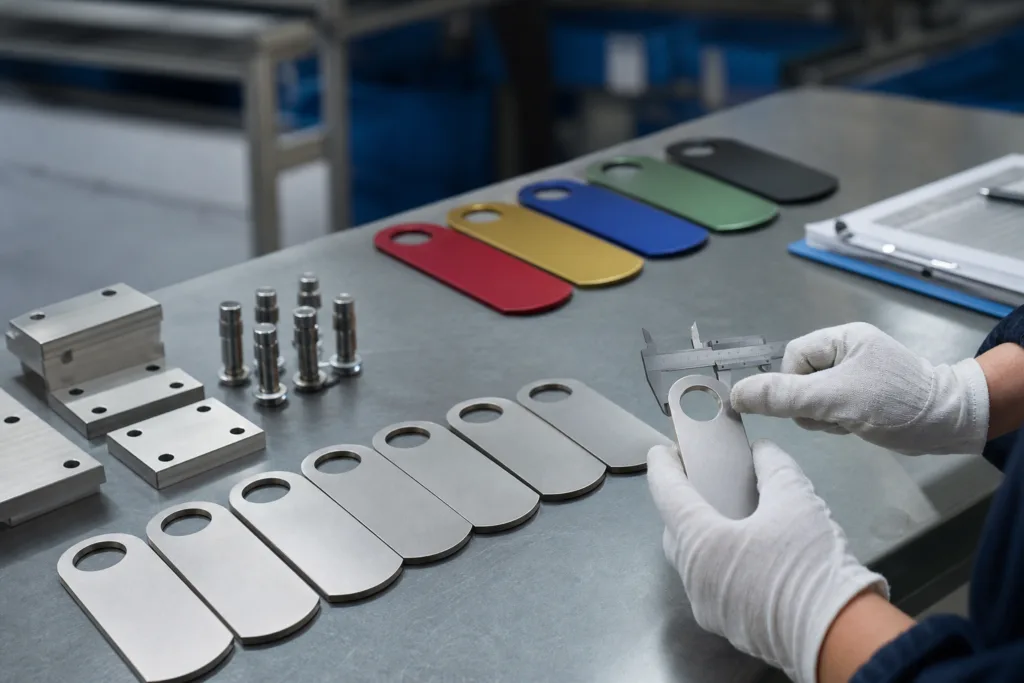
For industrial asset management, punchable metal tags are most useful when they do more than identify equipment. They need to support safety inspection records, stay readable in the field, and fit the way the maintenance team actually works. When the material, marking method, punch layout, and attachment choice are decided together, the tag becomes a reliable part of the inspection process instead of a weak link.
For buyers comparing metal tags for safety inspection programs, the best result usually comes from simple planning, clean data, and a sample that matches the real use case. That is the combination that keeps records useful after the tag has been installed and used many times.
FAQs on Punchable Metal Tags for Safety Inspection
What makes a punchable metal tag different from a printed inspection label?
Punchable metal tags are designed with a marking area that can take date punches, status marks, or inspector codes without hiding the base asset ID. That makes them better suited to inspection records than labels that depend on ink or adhesive alone. The tag stays with the asset, and the punched record stays readable longer.
Which material is best for outdoor or corrosive safety inspection records?
Stainless steel is usually the safest choice when the tag sees moisture, washdown, salt air, or chemical exposure. Aluminum and anodized aluminum can also work well when the environment is lighter and the layout needs strong contrast. We choose based on service conditions, not just on material name.
Can one tag carry serial numbers, QR codes, and punch marks?
Yes, as long as the layout is planned carefully. The static fields should stay separate from the update area, and the code size should still scan after mounting and handling. We normally confirm the data hierarchy before sampling so the tag can support both field marking and digital tracking.
What information should every safety inspection tag include?
At minimum, we recommend an asset ID, inspection date, next due date, inspector code or initials, status, and location. If the workflow needs it, a QR code or barcode can link the tag to the inspection record. The key is to keep the data set useful but not crowded.
How do samples help before bulk production?
A sample lets the buyer confirm material finish, hole position, punch area size, readability, and attachment method before the full run starts. It also helps check whether the serial sequence, barcode data, and packaging format fit the maintenance team’s workflow. That step usually prevents avoidable rework.
What are the most common mistakes when implementing a tag system?
The biggest mistakes are choosing a material that cannot survive the environment, making the punch field too small, mixing temporary field notes with permanent asset data, and skipping sample approval. Another common issue is using a good tag but failing to connect it to a clean numbering system and inspection record.
Related Reading