Introduction: The Art and Science of Offset Printing on Metal
Producing vibrant, photo-quality images and smooth gradients on metal is a technical art form that bridges the gap between industrial know-how and creative vision. Offset printing on metal challenges conventional printing wisdom, requiring a deep understanding of materials, advanced technology, and careful craftsmanship. In this guide, we’ll uncover the best practices and crucial tips for offset printing on metal, especially when your end goal is to faithfully reproduce complex gradients and high-resolution photos.
The Unique Challenges of Printing Gradients and Photos on Metal
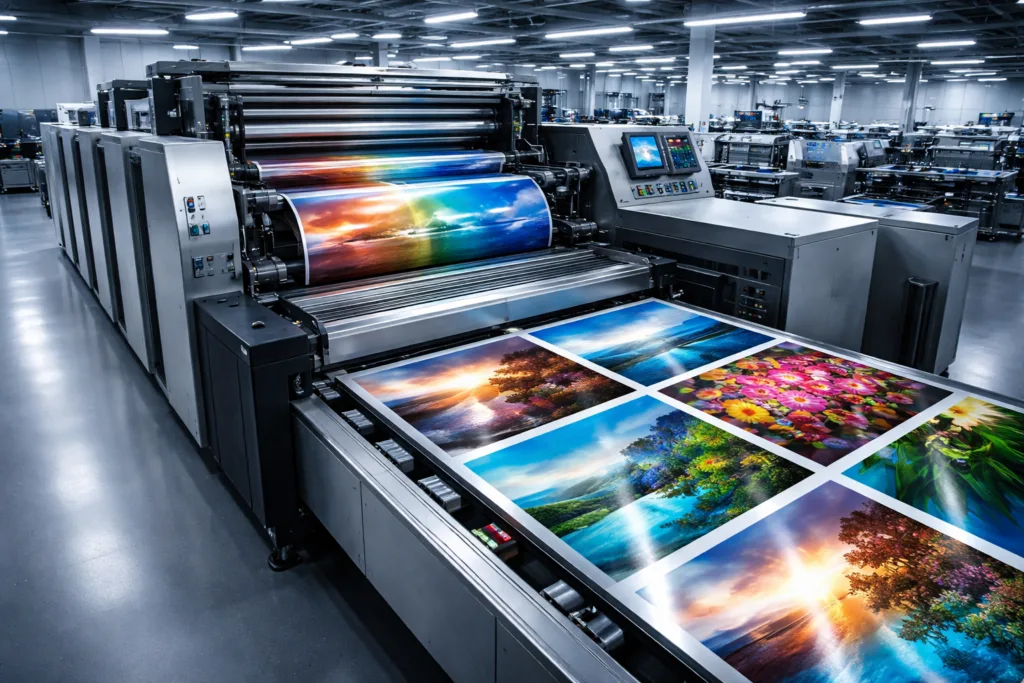
Printing on metal is a very different beast from printing on paper or plastics. Metals reflect light, have variable surface energies, and lack the absorbency of traditional substrates. The result? Any mistake in technique can lead to muddy images, banded gradients, color shifts, or poor adhesion.
- Surface Smoothness: Even micro-variations can affect ink transfer and color uniformity.
- Reflectivity: The shiny nature of metals impacts perceived color density.
- Ink Adhesion: Metals need specific ink chemistries to prevent scratching or flaking.
- Color Management: Custom profiles are essential to maintain color accuracy and smooth transitions.
Metal Substrates: Materials and Surface Preparation
The choice and prep of your metal play a defining role in image clarity. Popular options include aluminum, stainless steel, brass, and copper, each offering different tonal warmth and texture. For example, aluminum is favored for its flatness and consistent reflectivity, while stainless offers higher corrosion resistance and a slightly cool tone. Producers like UC Tag often choose alloys and surface grades suited to tight graphic requirements.
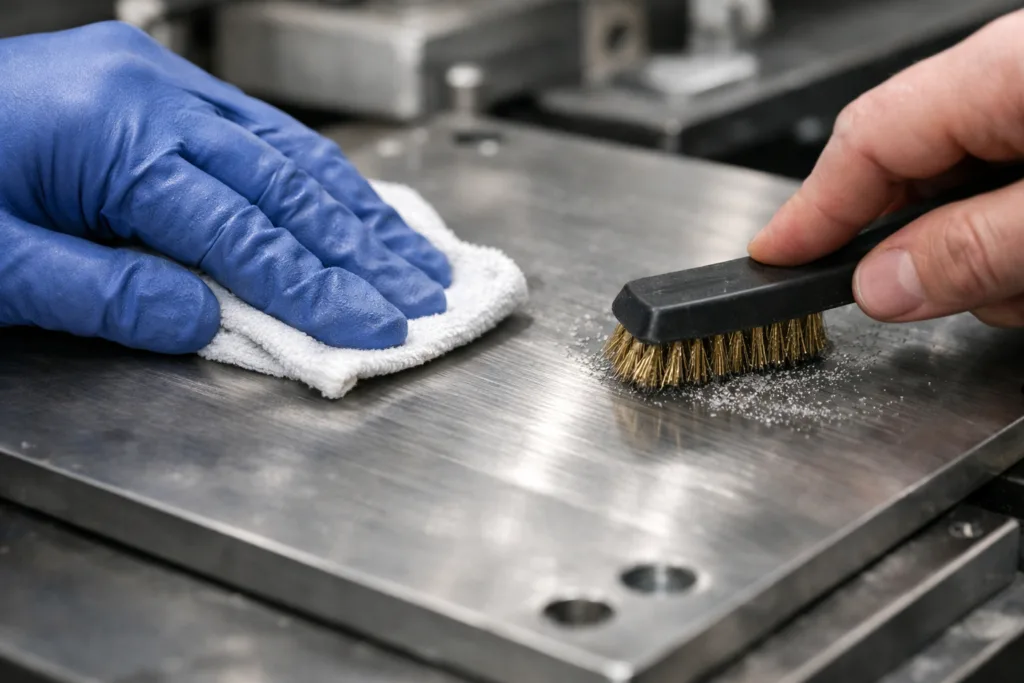
- Cleaning: Remove dust, greases, and oxidation before printing.
- Surface Treatment: Brushing, sanding, or chemical etching can increase ink adhesion.
- Primer or Topcoat: Some coatings enhance ink transfer and protect finished prints.
Offset Printing Basics: How Does It Work on Metal?
At its core, offset lithography uses a series of rollers to transfer ink from plate to blanket to substrate. Unlike paper, metal substrates demand special blanket types and precise pressure, ensuring uniform ink laydown. Cylinder pressure, blanket hardness, and plate chemistry must be carefully tuned to prevent ghosting, skipping, or excessive dot gain.
- Plate Type: Use metal-compatible photopolymer or electrochemically etched plates.
- Blanket Selection: Softer yet durable blankets improve conformity to rigid surfaces.
The Science Behind Reproducing Complex Gradients
High-resolution gradients and photos rely on smooth transitions between tiny dots of varying sizes and densities. Unlike flat colors, gradients expose flaws in registration, dot uniformity, and color matching. For metals, controlling these factors requires fine-tuned equipment and color management workflows.
- FM (Stochastic) Screening: Random dot patterns avoid visible rosettes or banding.
- AM Screening: Traditional approach but may show unevenness at larger sizes.
- Resolution: Use 175-250 LPI or higher for photo-quality, but match to press and plate limits.
Color Management Essentials for Metal Printing
Color shift is a persistent threat on reflective surfaces. Consistent color accuracy from digital file to final print demands a robust workflow:
- Calibrated Monitors: Trust only what you can see, so ensure monitor profiles are accurate.
- Custom ICC Profiles: These adjust for the different reflectivity and tone of metal substrates.
- Proofing: Wet proofing on actual metal is ideal to spot issues before full runs.
Inks and Coatings: Picking the Right Chemistry
The heart of offset printing’s vibrancy lies in specially formulated inks. Using conventional paper inks will cause poor adhesion and fading. Instead, select UV-curable or solvent-based inks tuned for metals, which resist abrasion and stay brilliant over time.
- UV-Curable Inks: Fast curing, high durability, low emissions, vivid color.
- Solvent-Based Inks: Deeper penetration, suits certain pre-treated metals.
- Protective Coatings: Clear coats maintain gloss and shield prints from scratches or corrosion.
If adhesion is your biggest hurdle, referring to solutions used in metal tag marking processes can provide technical insight.
Equipment Upgrades: Presses and Auxiliary Tools
Modern offset presses designed for metal feature advanced registration systems, anti-static units, convertible feeder heads for thick sheets, and temperature regulation to reduce expansion or warping during print runs. Even basic maintenance—regular blanket cleaning and tension checks—can have a huge impact on photorealistic results.
- Feeder Adjustments: Ensure sheet alignment for pin-sharp multi-pass colors.
- Chilling Units: Avoid heat buildup which can distort thin metal.
- Anti-Static Devices: Critical for light metals, preventing misfeeds and ghosting.
Pre-Press Preparation: Getting Your File Ready for Metal
Digital artwork destined for metal needs special attention. Keep these considerations in mind:
- Vector Paths: For logo elements or text, vectors are sharper than rasters at any size.
- Rich Blacks: Avoid over-saturation; use a balanced CMYK black for even ink laydown.
- Overprint Settings: Carefully manage to prevent muddy areas or lost detail.
For book-shaped tags and thin metal items, meticulous prepress prep yields clean, detailed results as outlined in this guide on photo etching.
How to Avoid Banding, Ghosting, and Dot Gain on Metal
Three of the most common (and frustrating) issues in photo reproduction on metal are banding, ghosting, and dot gain.
- Banding: Minimized by stochastic screening and tight pressure control.
- Ghosting: Ensure even inking and clean plates/blankets.
- Dot Gain: Calibrate press for lower pressure; adjust dot compensation in RIP software.
The Critical Role of Coating and Laminating
After printing, a coating layer boosts print durability and appearance. Many shops use UV-cured varnishes or specialty laminates to lock in color and add fingerprint resistance. Clear coats can also be tuned to adjust gloss, matte, or satin effects.
Photo Reproduction: Real-World Results and Limits
Offset printing can render breathtaking photographic detail on metal. However, metal’s reflectivity and unique surface mean not every photo looks the same as on paper. Expect warmer tones with brass, cooler grays with stainless, and punchy highlights with aluminum. Adjust image files to account for these tendencies using color proofing and expert consultation. As Rain Chen at UC Tag notes, “Every batch of metal has slight color and texture variations—a pro keeps this in mind to avoid surprises.”
Spot Colors, Metallic Inks, and Pantone Matching
To accurately reproduce brand colors or creative effects, offset printing sometimes uses spot inks or metallic finishes. This requires careful calibration and sometimes special mixing. Check out how Pantone matching improves brand color consistency on metal.
Design Tips: Optimizing Artwork for Metal Printing
To make gradients and photos really pop on metal, tweak your artwork as follows:
- Increase Midtone Contrast: Prevents images from looking flat when printed.
- Soften Gradient Edges: Subtle shifts look smoother on non-absorbent surfaces.
- Avoid Pure White: Since metal shows through, white areas take on the substrate’s tone.
Comparing Metal Printing to Paper and Plastic Substrates
What sets metal apart? Superior durability, a premium feel, and resistance to weather or chemicals—but more technical hurdles than with traditional substrates. Color saturation and image clarity are harder to achieve, especially for intricate gradients. That said, process improvements make modern metal prints rival paper in detail, if not in exact tone reproduction.
Environmental and Sustainability Considerations
Modern offset metal printing can be eco-conscious: UV inks emit lower VOCs, and metals are endlessly recyclable. Some projects even use recycled metals or low-impact coatings. Manufacturers like UC Tag have adopted greener methods to meet client sustainability requirements without sacrificing image precision.
QC and Troubleshooting: Real Shop Floor Wisdom
Consistent inspection for scratches, plating issues, and color shifts is essential. Use magnification to check for uneven dot laydown or pinholes. If a batch shows color drift, verify humidity and press temperature—metals are sensitive to both. Edge burrs, a common post-press issue, can be easily detected during quality control. Rain Chen at UC Tag recommends close collaboration across teams to resolve root causes quickly.
Post-Printing Finishes: Polishing, Brushing, and Deburring
Finishes complete the product’s tactile appeal. Brushing adds texture; polishing yields a mirror effect; deburring ensures the item is safe to handle. Always conduct a final wipe-down to remove fingerprints or debris that can detract from photographic detail.
Case Study: Offset Printing on Metal for Luxury Packaging
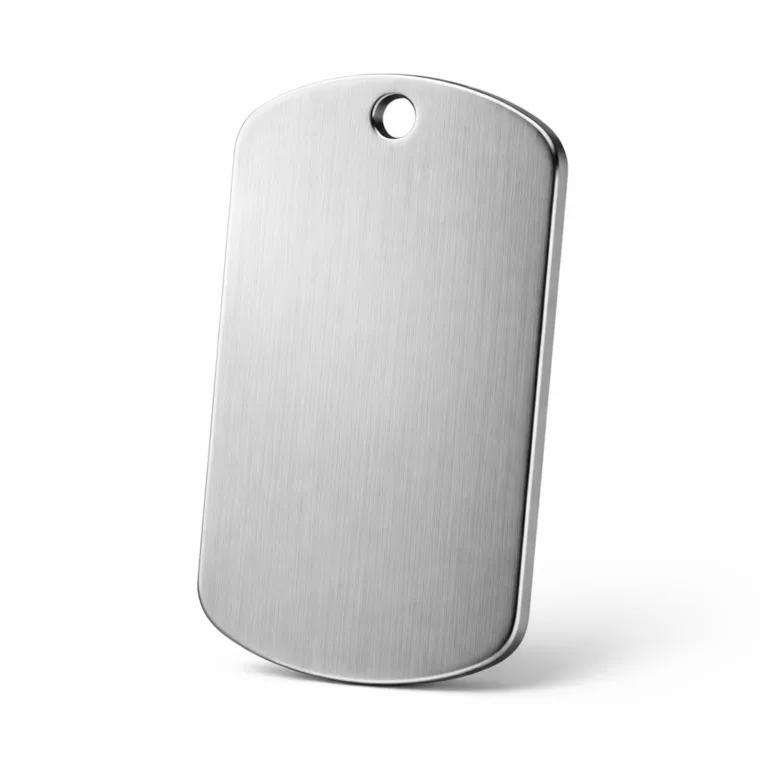
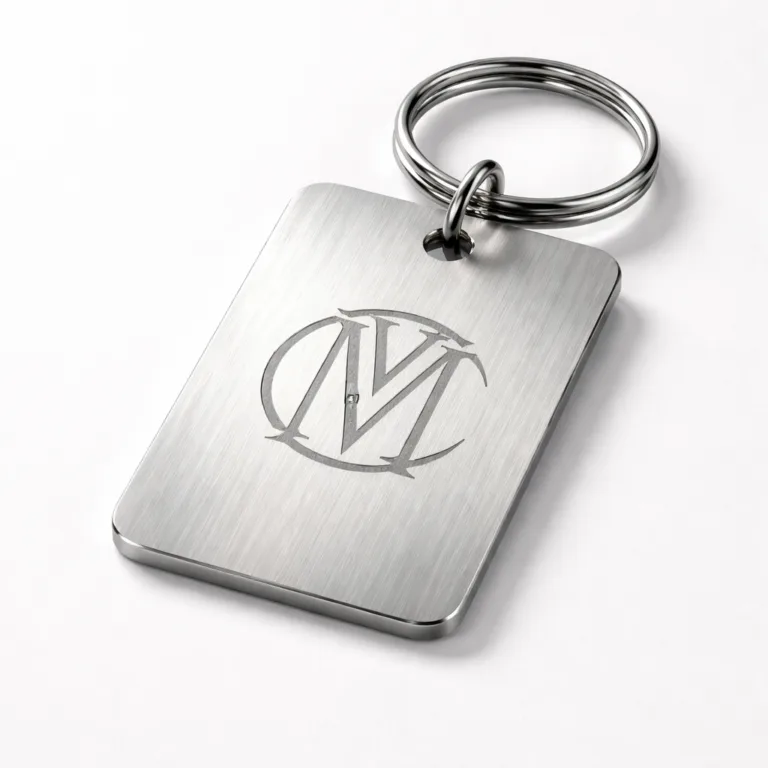
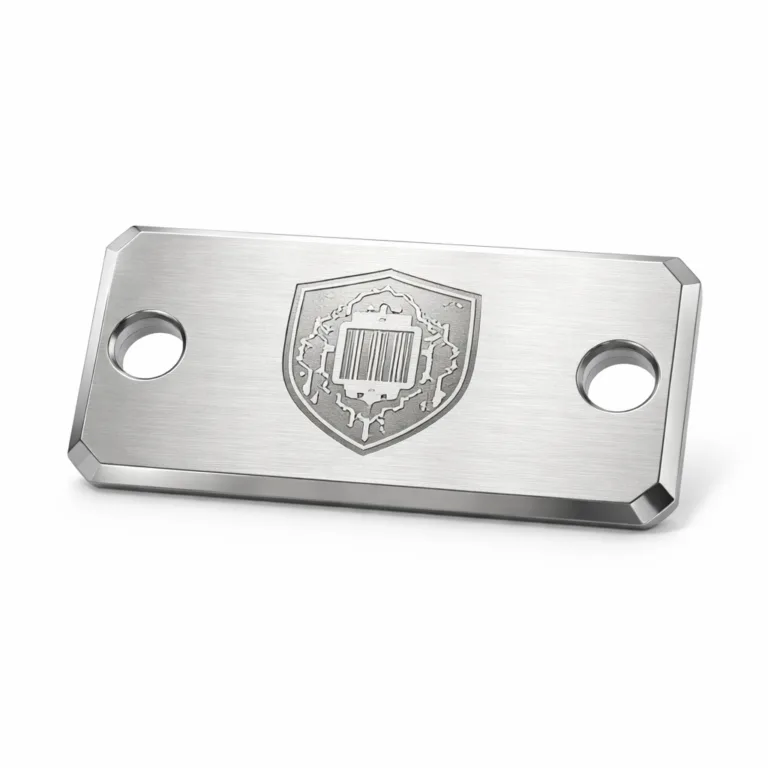
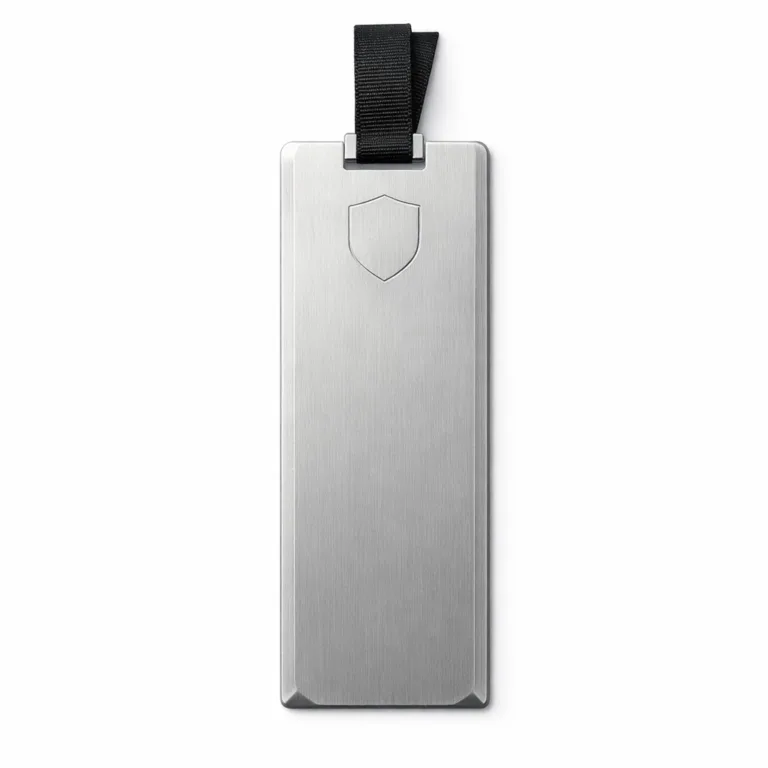
In modern luxury packaging, capturing both brilliant color and tactile depth is vital. Offset printing on metal enables foil-like highlights in combination with deep, custom hues—features increasingly used for premium branding solutions. Metal hang tags and logo plates benefit from the inherent sturdiness and photo-quality imaging of contemporary offset processes.
Maintenance and Longevity: Keeping Metal Prints Pristine
Properly printed and finished, photo-realistic metal prints resist fading, abrasion, and moisture. Clean them with gentle soap and soft cloth only. Overcleaning with harsh chemicals can cloud protective coatings or strip surface treatments. Consider storage conditions—avoid stacking bare prints to prevent micro-scratches.
Summary Table: Offset Printing on Metal vs. Other Methods
| Feature | Offset Metal Printing | Photo Etching | Screen Printing |
|---|---|---|---|
| Best for Photos/Gradients | Excellent | Good (for lines, fine details) | Poor (mainly solid colors) |
| Color Options | Full CMYK, spot, metallic | Single/deep tones | Multiple, but fewer than offset |
| Durability | High (when coated) | Very high (engraved) | Medium |
| Setup Cost | Moderate–High | High | Low–Moderate |
Pushing the Limits: Future Technologies and Innovations
Digital hybrid presses, nano-pigment inks, and ultra-fine screening are breaking new ground in metal photo reproduction. As demand for durable, eye-catching printed metal increases, technology continues to close the gap between what’s possible on paper and metal. Expect even more detailed gradients, richer hues, and sustainable processes in the years ahead.
Offset Printing on Metal: How to Reproduce Complex Gradients and Photos.
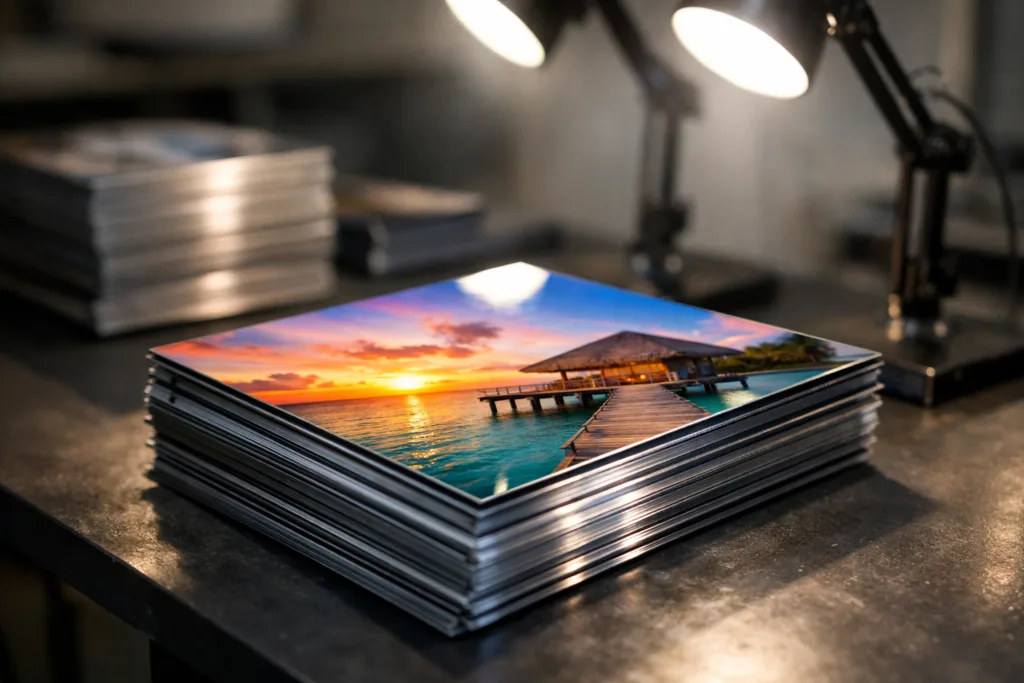
Mastering offset printing on metal for gradients and photos is equal parts technical discipline and creative experimentation. From substrate prep to ink selection, every step contributes to the brilliance and longevity of the finish. As the industry continues to innovate, there’s never been a better time to achieve gallery-level photographic quality in metal printing.
Frequently Asked Questions
What makes offset printing challenging on metal?
Metal’s hardness, reflectivity, and poor ink absorption make color control, adhesion, and gradient smoothness more difficult compared to paper or plastic.
How do you print smooth gradients on metal without banding?
Use high-resolution stochastic screening, precise press calibration, and optimized color profiles to ensure seamless transitions without visible banding.
Which inks give the best results on metal surfaces?
UV-curable inks are favored for their durability, adhesion, and vibrant color on metal. Solvent-based inks also work, especially with proper surface pretreatment.
What surface finishes can enhance printed images on metal?
Protective coatings, laminates, polishing, and brushing each add visual or tactile appeal while preserving photographic clarity and preventing scratches.
Why might colors appear different on metal vs. paper?
Metal reflects and absorbs light differently, changing how colors and gradients appear. Custom color profiles help adjust for these shifts during pre-press.
Can offset metal prints be eco-friendly?
Yes, by using low-VOC UV inks, recycling scrap metals, and selecting eco-conscious coatings, metal prints can meet sustainability goals with high-quality outcomes.
Related Reading
- Unlock Precision: Achieving Fine Detail with Photo Etching on Thin Metals
- 7 Steps to Accurate Pantone Matching for Brilliant Brand Colors on Metal
- Metal Tag Marking: Depth, Durability, and Comparing Laser Engraving vs. Diamond Drag
- Eco-Friendly Tags: Transforming Brands with Recycled Metal and Wood Options
- Your Essential Guide to Material Thickness for Metal Tags and Dog Tags
- Manufacturing High-Quality Custom Metal Logo Tags: From Material Selection to Finishing