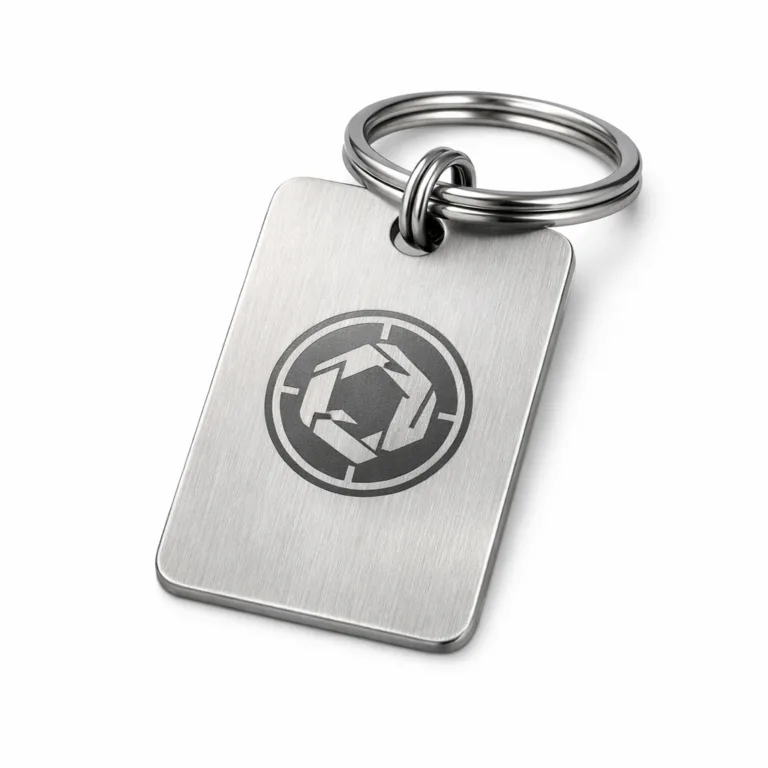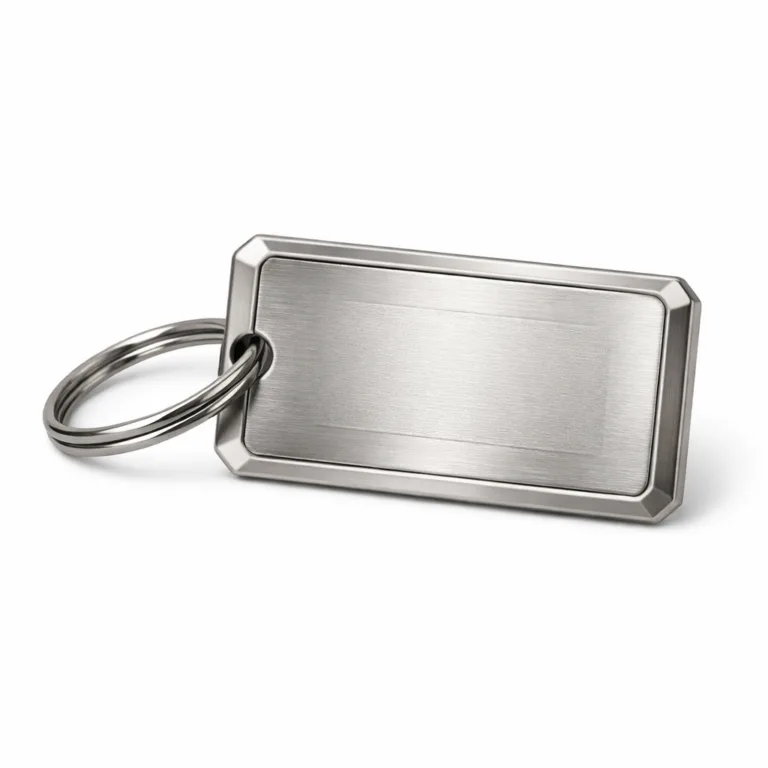
Introduction to Custom Tags
Custom tags play a crucial role across industries—serving as the backbone for identification, branding, safety compliance, and asset tracking. Whether you’re managing industrial assets, branding luxury goods, or labeling equipment, the value of a well-designed custom tag is hard to overstate.
The first-pass design phase is where many buyers and engineers unknowingly encounter obstacles. Overlooking details or making subtle design mistakes can snowball into production delays, cost overruns, and even end-user complaints. With buyers, engineers, and procurement officers demanding fast turnaround and longevity, a single misstep can disrupt an entire supply chain.
This article breaks down five common design mistakes that often delay custom tag production. By understanding these pitfalls and learning how to avoid them, you’ll be equipped to keep your orders on schedule and deliver products your teams—and clients—can rely on.
Common Design Mistake #1: Overlooking Specifications
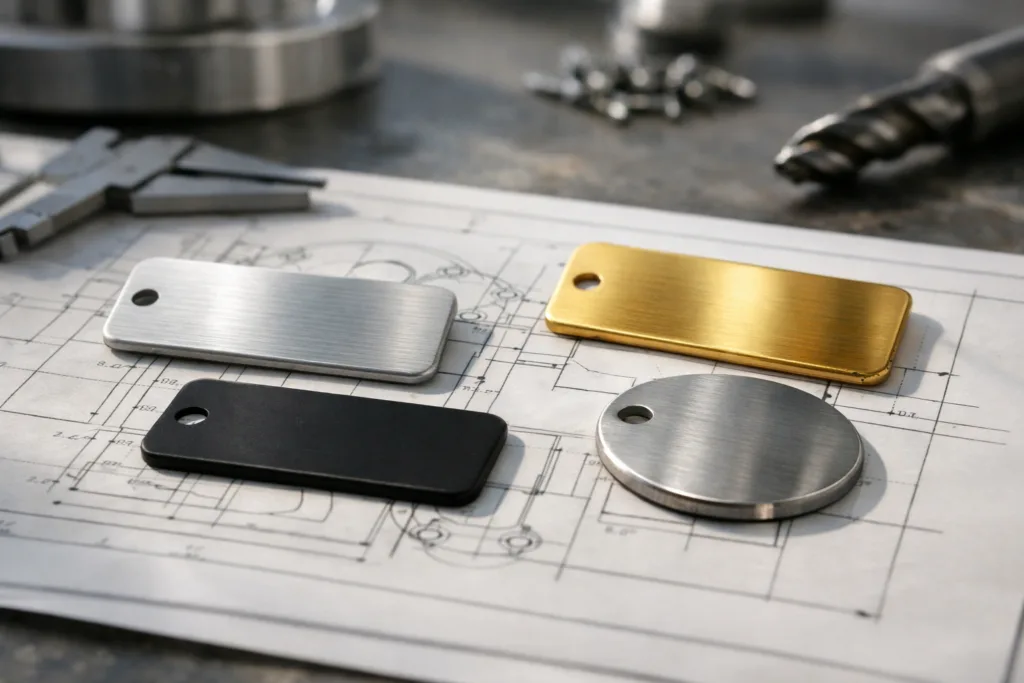
It’s easy to assume that a rough drawing will get the job done. But even small gaps in the specs—like missing thickness or unclear tolerances—can bring production to a standstill.
Critical specifications for custom tags typically include size, overall shape, hole placement, material type, finish, thickness, and font size. Missed tolerances are a classic trigger for rework. For example, if you specify only “2mm thick aluminum tag” but omit tolerance (e.g., ±0.1mm), the result might not fit your fixture or mounting—leading to delays while the design is clarified.
Vague attributes cause confusion. “Engrave logo on center” might seem obvious, but the definition of ‘center’ may vary based on tag shape or mounting method. Misinterpretations here can lead to production restarts or failed quality inspections.
- Specify every measurement: size, thickness, font height, hole diameter and locations.
- State material and finish requirements. If color matters, include Pantone/hex references.
- Document tolerances, especially for critical fits or mounting features.
- Indicate front vs. reverse side artwork and attachment method.
Creating a detailed specification sheet eliminates guesswork. UC Tag’s shop-floor team often uses a practical “pre-production checklist”:
| Feature | Specification Example | Tips |
|---|---|---|
| Material & Finish | 304 Stainless, brushed matte | Match finish to environment |
| Thickness | 1.5mm ±0.05mm | Don’t go under the manufacturer’s min. gauge; see line weight guide |
| Size | 50x20mm | Double-check dimensional callouts |
| Font | Arial, 2.5mm min height | Follow legibility standards; see font size advice |
| Attachment | 2x Ø3mm holes, 5mm from edge | Include both spacing and diameter |
Before submitting designs, review your spec sheet against a manufacturer’s standard—this single act may cut production lead time in half.
Common Design Mistake #2: Miscommunication with Manufacturers
Even the best specification sheet is at risk when communication breaks down. The classic “expectations vs. deliverables” gap arises when assumptions go unchecked.
Consider this scenario: you email a vector file for a custom tag, expecting etched logos, but the manufacturer interprets it as needing deep embossing. The outcome won’t match your vision, and delays surface as everyone goes back to clarify the details.
Regular, structured updates help prevent these setbacks. Schedule checkpoints—at initial quoting, artwork proofing, and production sample stages. Involve your manufacturer from the start to ensure they understand both technical needs and intended use.
- Share annotated drawings; don’t rely on email text alone.
- Ask the manufacturer: “Will this logo look as shown given the process?”
- Confirm the finish, color, and texture match what you expect—request physical or digital samples if possible.
- Use collaborative design tools like Google Drive or cloud folders for version control. See how mockups can differ from final tags.
When in doubt, over-communicate. List your “must-haves” and “nice-to-haves” for every new project—then clarify which are not negotiable. This simple method avoids costly rework triggered by misunderstood instructions.
Common Design Mistake #3: Inadequate File Formats
Poor file preparation is a major reason for stalled custom tag production. Not all graphics are created equal, and production machinery often demands scalable vector files.
Acceptable file formats usually include PDF, .ai (Adobe Illustrator), or .eps. Submitting raster formats like .jpg or .png may lead to loss of detail and require a time-consuming redraw, sometimes at extra cost. The consequences: lost time, misaligned artwork, and potentially, frustrating design mistakes.
Vector graphics ensure your tag design remains crisp when resized for production. Check with your manufacturer for their preferred formats and always include all linked assets—such as embedded fonts and logo files.
- Embed all text into outlines/paths to avoid font substitution errors.
- Double-check your output in both native and PDF formats if possible.
- Avoid sending low-resolution previews for final production.
- For designs with intricate cuts or QR codes, follow best practices, such as those found in our QR code design guide.
Whenever you’re unsure, request a pre-production proof from your manufacturer. That final review can catch conversion hiccups or scaling errors upfront, minimizing design mistakes and delays.
Common Design Mistake #4: Ignoring Material Properties
Material choice often defines a custom tag’s lifespan and real-world performance. Overlooking this aspect can result in products that fail in their environment—think rusted ID plates in marine settings, or bent luggage tags after repeated handling.
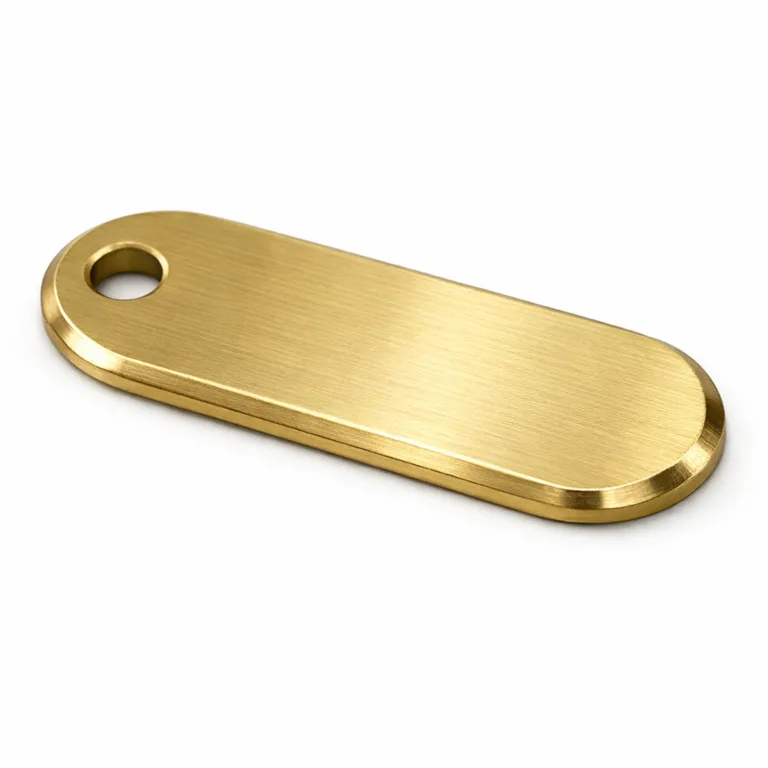
The three most commonly used metals are aluminum, stainless steel, and brass. Each brings unique durability, weight, and form-factor characteristics. Aluminum is lightweight and resists corrosion but is softer than steel. Stainless steel offers superior strength and weather resistance, while brass delivers a blend of visual appeal and moderate corrosion resistance.
Matching material properties to environment is vital. For outdoor, chemical, or high-contact conditions, opt for corrosion-resistant alloys and finishes. UC Tag, for example, frequently advises industrial buyers to avoid uncoated brass for outdoor locations prone to acid rain or road salt, steering them toward stainless or anodized aluminum instead.
Review the table below for guidance:
| Material | Durability | Corrosion Resistance | Best Uses |
|---|---|---|---|
| Aluminum | Moderate | Excellent (anodized) | Lightweight asset tags, color branding |
| Stainless Steel | High | Outstanding | Industrial asset ID, harsh environments |
| Brass | Moderate | Good, but less than SS | Decorative, branding, moderate outdoor |
Chemical exposure also matters. If your tags will touch oils, solvents, or cleaning agents, cross-check compatibility, or request advice from your manufacturing partner. Custom tag success hinges on choosing the right material for the application—never leave it to guesswork.
For a deeper dive into scratch resistance and hardness, see our expert guide on tag materials.
Common Design Mistake #5: Failing to Consider End-User Experience
It’s easy to get lost in technical detail and overlook the person who will use or see the final tag. Design mistakes affecting readability and usability can lead to frustration on the shop floor, with customers, or in the field.
Readable font sizes (minimum 2.5mm for engraved text, as detailed in our font size guide), clear contrasts, and simple shapes enhance user satisfaction, especially for critical tags such as serial numbers or safety warnings.
Attachment greatly influences experience—will the tag mount to a flat surface, loop onto a handle, or snap onto fabric? Poorly planned attachment features may force users to bend, drill, or improvise, undermining the project’s intent. For instance, industrial tags without the right mounting holes or pet tags missing a secure S-hook can quickly result in lost or damaged identification.

- Avoid low-contrast text on reflective backgrounds.
- Select attachment methods appropriate for your application: adhesive backing, holes, sewing, or rivets—reference our adhesive backing tips.
- Gather feedback from end-users during design to catch usability issues in advance.
Poorly designed tags can lead to mistakes like unreadable information after installation, lost tags, or unnecessary handling frustration. Proactive user testing is often the simplest fix.
Design and Specification Checklist
Before sending your final design for custom tag production, run through this practical checklist. These core elements help ensure no detail falls through the cracks and reduce the risk of design mistakes:
- Define all key specs: size (LxW), thickness, and material/finish
- Font type and height (legibility for engraved/embossed features)
- Attachment method (holes, slot, adhesive, sew-on, etc.)
- Artwork side (front, both, or reverse)
- Surface finish (matte, glossy, anodized, brushed, etc.)
- Contrast and color for readability
- Numbering/serialization requirements
- Tolerance levels for every critical feature
Cross-check these with manufacturer guidelines and project requirements for a seamless start.
| Checklist Item | Notes | Passed? |
|---|---|---|
| Size Specified | Is every side measured? | |
| Material & Finish | Aluminum, brass, or steel? | |
| Artwork Format | Vector file supplied? | |
| Attachment | Mounting holes/adhesive clear? | |
| Readability | Font/contrast tested? | |
| Tolerances | Critical fits defined? |
Request a proof or sample for final validation—see our custom metal tag samples page for more details.
Durability and Testing Considerations
No matter how robust a custom tag looks on paper, real-world durability comes down to testing and material choice. Environmental factors—like corrosion, abrasion, humidity, and sunlight—can degrade even the best-looking tags if not accounted for.
Common testing methods include salt spray for corrosion resistance (vital for marine, roadside, or outdoor tags), abrasion tests to simulate wear, and UV exposure testing to monitor color fading. Stainless steel passes most corrosion exams, while anodized aluminum excels in UV stability but may show scratches if the coating is thin.
Consider expected tag lifespan and the stressors it will face. For example, pet tags and industrial serial plates often face more abrasion and washing than display-only logo plaques. As Rain Chen of UC Tag notes, “We encourage buyers to ask for laboratory or field testing data—durability questions answered upfront eliminate nearly all last-minute changes.”
Case in point: a manufacturer who specifies salt spray and wash cycle tests for luggage tags will save enormous hassle, replacing failed tags during design instead of after deployment. Build time for testing into your development plan and use results to refine your spec sheet—especially for harsh environments or regulated industries. For strategies to enhance outdoor longevity, see our rust proofing guide.
Industry/Application Fit
Every sector has its own design priorities and potential for unique design mistakes. Let’s explore three distinct custom tag applications and their pitfalls:
Asset Tags for Industrial Settings
Asset tags in industrial environments demand rugged durability and legibility—often surviving machinery oils, chemicals, and constant handling. Stainless steel or anodized aluminum is often necessary. A common error is specifying decorative brass where exposure to harsh cleaning solvents will degrade the finish rapidly.
Pet Tags for Consumer Markets
Pet tags must be lightweight yet strong, with attachment methods that withstand energetic pets. Brass and anodized aluminum are both popular, but skipping an S-hook or secure ring is a classic error. Insecure attachments result in lost tags—prevent this by referencing our pet tag attachment guide.
Luggage Tags for Travel
Travel tags deal with rough baggage handling, bending, and constant abrasion. Thick-gauge aluminum or steel provides more resistance, while cheap, thin tags are easily deformed. A shallow-engraved serial number may wear off long before your customer’s vacation ends; deeper engraving is worth the slight cost increase. To select the right thickness for luggage tags, visit our luggage tag thickness guide.
| Application | Key Requirements | Common Mistakes |
|---|---|---|
| Industrial Asset | Corrosion proof, readable, serial # | Poor material/finish for chemicals |
| Pet Tag | Lightweight, secure, legible contact info | Weak attachment, tiny fonts |
| Luggage Tag | Thick gauge, deep marking, secure loop | Thin tag, surface-only marking |
Evaluate your industry’s unique requirements to avoid design mistakes that could impact function and service life.
Common Mistakes and Troubleshooting
Certain design mistakes recur so often that they’re worth listing for easy troubleshooting:
- Unreadable text or insufficient contrast
- Poor adhesion or attachment method
- Incorrect hole size or location
- Material not matched to environment
- File conversion errors (flattened layouts, lost detail)
Fixing these headaches often means revisiting your specifications or communicating clearly with your manufacturer. For unreadable tags, increase font size or adjust the artwork color/contrast. Struggling with poor attachment? Reassess the end-user’s equipment and upgrade to heavy adhesive or new hole locations as featured in our adhesive solutions guide.
Manufacturing missteps—like uneven stamping or wrong finishes—require proofing before mass production. Always review physical or digital samples and report any discrepancies with annotated photos. Establish a methodical process for quality checks before giving final approval. For more on die-cut edges and border strategies, consult our edge control guide.
Ordering Guide for Custom Tags
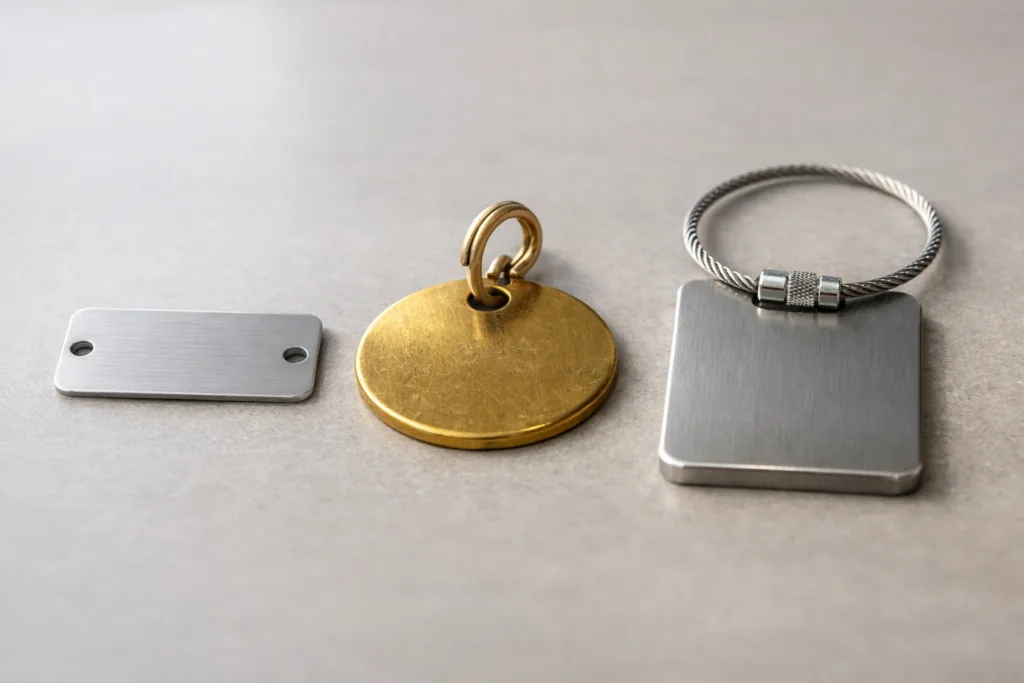
Streamlined ordering for custom tags starts with understanding the process. Most manufacturers set minimum order quantities (MOQ), lead times, and require proof approval before production. Clarify MOQ early to avoid surprises for small batch needs.
Verifying artwork is critical—make sure what you send matches what’s on your proof. Tiny errors in the file or missing serialization details can cascade into mass production and significant rework. Sample requests, when available, are invaluable for design validation and allow you to see material, finish, and marking quality in real life. To explore what’s possible with custom samples, refer to our sample gallery.
Don’t overlook packaging and shipping. Secure packaging protects finishes from scratches; for tags requiring adhesive backs, request release liners that suit your application. If custom shapes or delicate details are involved, ask about individual wrapping or tray shipment to maintain quality. For industry-specific ordering (like bag tag requirements or serial-numbered assets), explore our dedicated tag solutions.
Frequently Asked Questions
What file format is best for custom tag production?
Vector formats like .ai, .eps, or high-quality PDFs are best for custom tag manufacturing because they maintain crisp detail and are compatible with engraving, etching, stamping, and printing equipment.
How do I ensure my custom tag survives harsh outdoor environments?
Choose corrosion-resistant materials like stainless steel or anodized aluminum, ask for weatherproof coatings, and request durability testing such as salt spray or UV exposure before full production.
What is the minimum font size for readable engraved text?
The minimum recommended font height for engraved or stamped text is 2.5mm; this ensures information remains readable after production and during long-term use according to industry guidelines.
How do I pick the right attachment method for my application?
Consider where the tag will be mounted, expected forces, and material thickness; options include holes for screws or rivets, adhesive backing, and specialty attachments like S-hooks or wire cables.
Can I request pre-production samples for design validation?
Yes, most manufacturers offer pre-production samples at a small cost, letting you confirm design, finish, and fit before running a full order so you avoid costly design mistakes.
What should I do if my tags arrive with errors or are damaged?
Contact your manufacturer immediately with annotated photos and a clear description of the issue; review your spec sheet for possible design mistakes and request a corrective action plan if needed.
Related Reading
- Discover How Metal Thickness Impacts Tag Strength and Longevity
- See Why Vector Files Are Critical for Perfect Molded Metal Tags
- Master Legible Engraving with the Right Font Size Guide
- Design QR Codes That Scan Reliably on Custom Tags
- Learn How 3M Adhesive Backings Enhance Custom Tag Durability
- Prevent Surprises: Align Mockups with Real Metal Tag Production